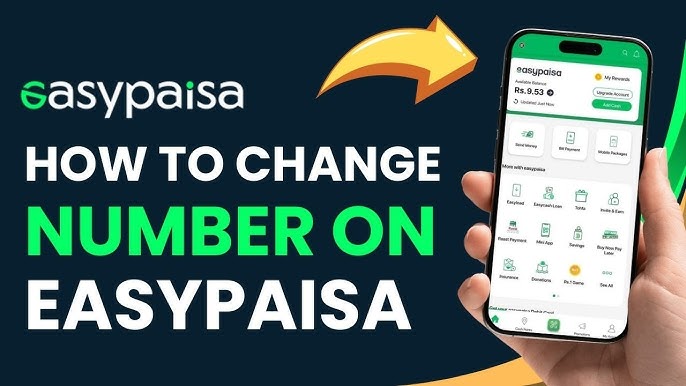
Understanding Easypaisa Accounts
Easypaisa is one of Pakistan's most widely used mobile wallet services. It allows users to send money, pay bills, recharge mobile credit, and manage finances directly from their phones. Each Easypaisa account is permanently linked to a single mobile number, which acts as the account number.
Because of this structure, many users often ask how to change Easypaisa account number when they switch SIMs or face ownership issues. Let's break it down clearly and honestly.
Why Users Want to Change Easypaisa Account Number
People want to change their Easypaisa account number for several reasons:
- Lost or blocked SIM card
- SIM ownership transferred to another person
- Privacy or security concerns
- Switching to a new mobile network
- Business or personal number separation
These reasons are valid. However, Easypaisa follows strict financial regulations, so flexibility is limited.
Is It Possible to Change Easypaisa Account Number?
Here's the straightforward truth:
👉 You cannot directly change an Easypaisa account number.
Easypaisa accounts are permanently tied to the registered mobile number. That said, there are safe and official workarounds that achieve the same result without risking your funds or data.
Official Policy of Easypaisa
According to Easypaisa's service framework, mobile wallets comply with State Bank of Pakistan (SBP) regulations. These rules require:
- One CNIC per wallet tier (with limits)
- One mobile number per wallet
- Strong KYC (Know Your Customer) verification
Because of this, changing the number internally isn't supported.
🔗 External reference: Easypaisa Help Center
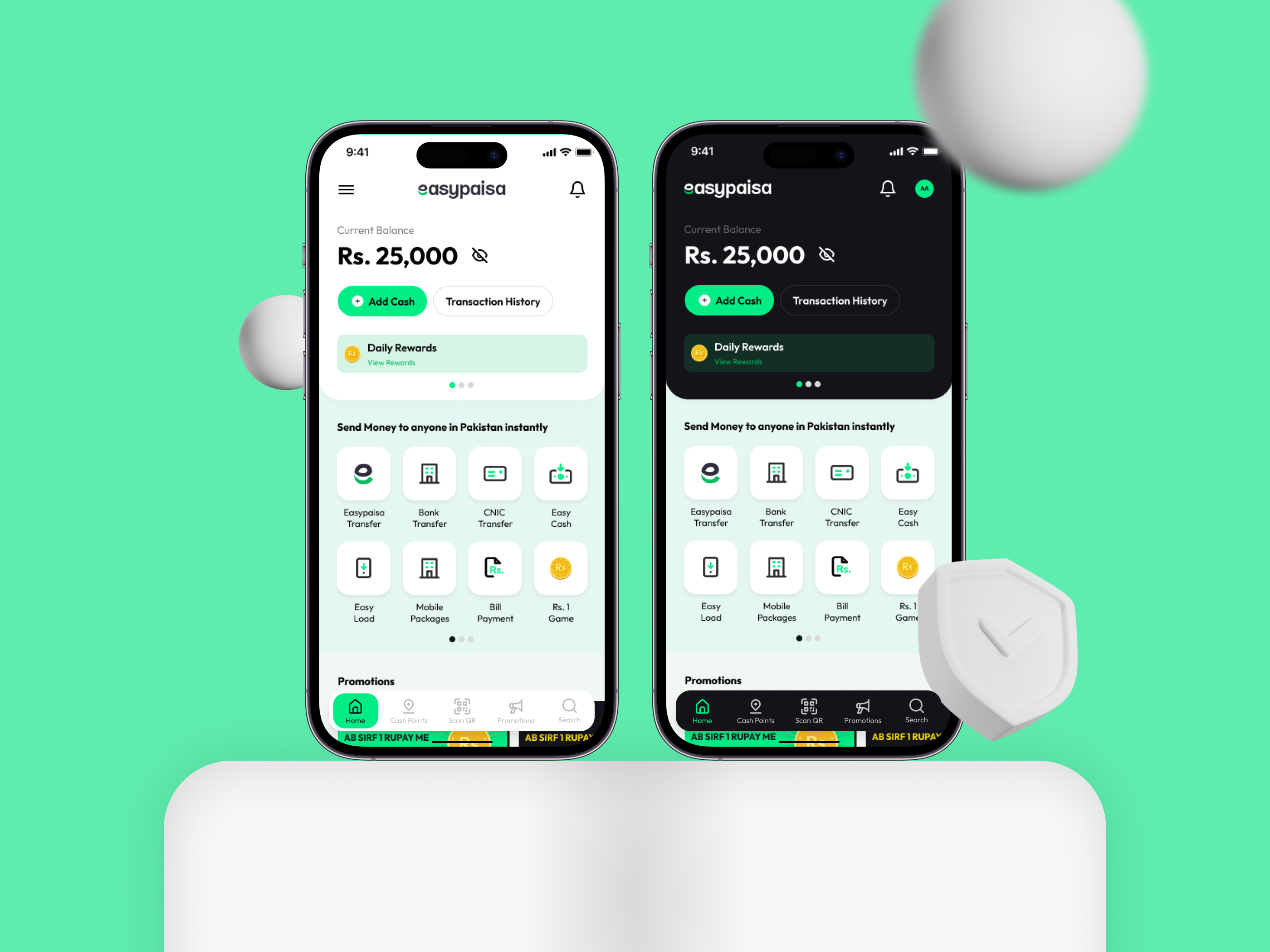

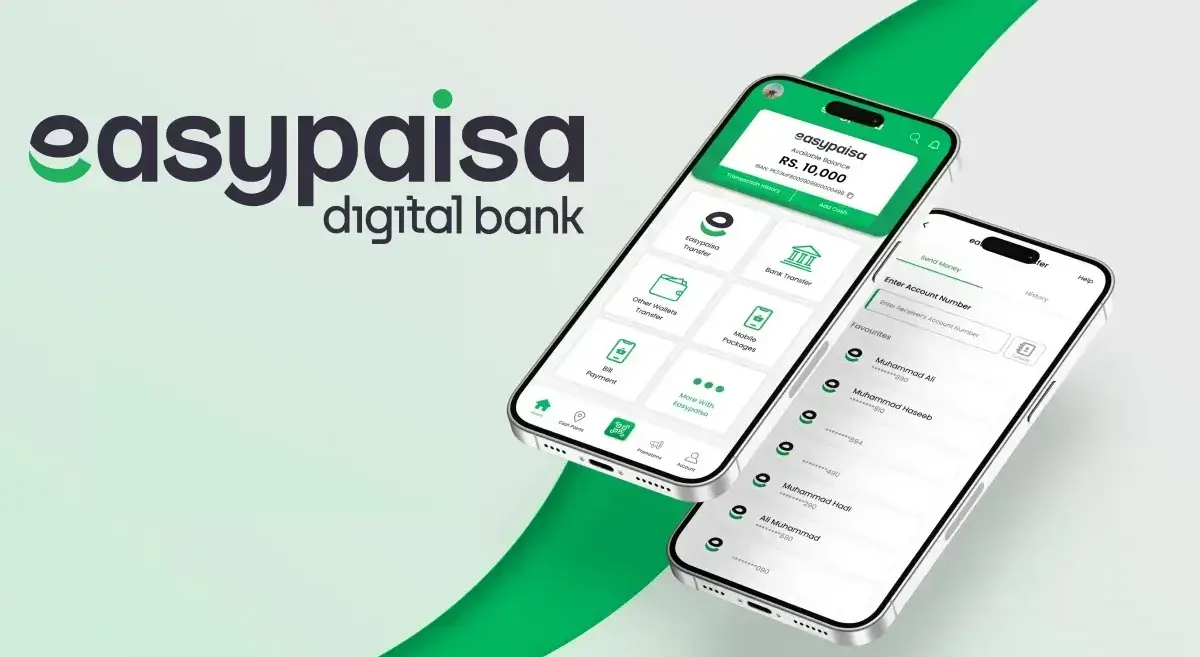
Method 1: Creating a New Easypaisa Account (Recommended)
This is the most reliable and commonly used method.
Step-by-Step Process
1 Withdraw or transfer balance from old account
2 Deactivate old SIM if no longer needed
3 Insert and activate new SIM in your name
4 Download the Easypaisa app
5 Register using new mobile number
6 Complete biometric or CNIC verification
✔️ This method ensures full control, security, and compliance.
Method 2: Contacting Easypaisa Customer Support
If you've lost access to your number but still own the CNIC:
- Dial 3737 from any network
- Explain your issue clearly
- Provide CNIC and verification answers
Support may help block the old account and guide you through creating a new one.
Method 3: Visiting an Easypaisa Franchise
This method is ideal for non-tech users.
What to do:
- Visit nearest Easypaisa shop
- Carry original CNIC
- Request account closure or guidance
Franchise staff can safely assist with balance transfer and re-registration.
Documents Required
| Document | Purpose |
|---|---|
| Original CNIC | Identity verification |
| Active SIM (new) | New account registration |
| Old SIM (if available) | Account validation |
Common Mistakes to Avoid
- ❌ Sharing OTP with anyone
- ❌ Using SIM not registered on your CNIC
- ❌ Leaving balance in old account
- ❌ Trusting unofficial agents
These mistakes can cause permanent loss of funds.
Security and Data Protection Considerations
Easypaisa uses encrypted systems and biometric verification. Still, you should:
- Set a strong PIN
- Enable app lock
- Avoid public Wi-Fi
- Regularly review transactions
Security first—always.
What Happens to Old Account Balance?
Before switching:
- Transfer funds to bank or another wallet
- Pay outstanding bills
- Withdraw cash via agent
Once the SIM is inactive, recovery becomes difficult.
How to Update Linked Services
After creating a new account, update:
- Utility bill references
- Online shopping accounts
- Subscription services
- Bank transfers
This step is often overlooked but very important.
Pros and Cons of Changing Easypaisa Account
✅ Pros
- Better security
- Updated SIM ownership
- Peace of mind
❌ Cons
- Cannot retain old number
- Requires re-verification
- Manual updates needed
❓ Frequently Asked Questions (FAQs)
1. Can I change Easypaisa account number without new SIM?
No, a new SIM registered on your CNIC is required.
2. Will I lose my balance if I change account?
Only if you don't transfer it before switching.
3. Can customer support change my number internally?
No, they can only guide you to create a new account.
4. Is it safe to create multiple Easypaisa accounts?
Yes, if all are registered on SIMs under your CNIC and within limits.
5. How long does new account activation take?
Usually 5–10 minutes with biometric verification.
6. Can I use the same CNIC again?
Yes, subject to Easypaisa and SBP wallet limits.
Conclusion
Understanding how to change Easypaisa account number saves you from confusion and financial risk. While direct number changes aren't allowed, official alternatives like creating a new account or visiting a franchise are safe, legal, and effective.
Stick to verified methods, protect your data, and you'll be back on track in no time. With the right steps, the process is smoother than it sounds.