How to Check Easypaisa Balance Without App – Complete Step-by-Step Guide
Introduction to Easypaisa
What is Easypaisa?
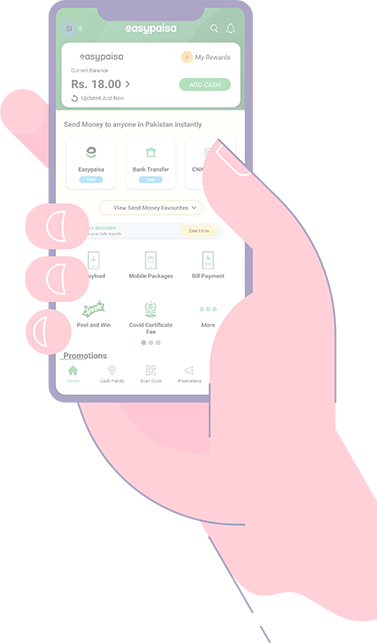

Easypaisa is one of Pakistan's most popular mobile wallet services. It allows users to send money, pay bills, recharge mobile balance, and even receive salaries — all without needing a traditional bank account.
Think of it as your pocket-sized bank. But what if you don't have the app installed? Or maybe you're using a simple keypad phone? Don't worry — you can still check your Easypaisa balance easily.
Why People Prefer Easypaisa in Pakistan
In a country where not everyone has access to banking services, Easypaisa has become a financial lifeline. It's fast, simple, and available almost everywhere — from cities to small villages.
But here's the catch: not everyone uses smartphones. And even if they do, sometimes internet access is limited. That's why knowing how to check your Easypaisa balance without the app is super important.
Let's dive in.
Why Check Easypaisa Balance Without the App?
No Smartphone Access
Not everyone carries a smartphone. Many users still rely on basic mobile phones. And guess what? Easypaisa works perfectly fine on those too.
Limited Internet Connection
No Wi-Fi? No mobile data? No problem. Balance checking without the app doesn't require internet.
Saving Mobile Storage
Apps take up space. If your phone storage is always full (we've all been there), skipping the app can be a relief.
Method 1 – Check Easypaisa Balance via USSD Code
Official Easypaisa Balance Check Code
The easiest and fastest way to check your Easypaisa balance without the app is by dialing:
Simple, right?
Step-by-Step Guide to Dial USSD Code
- Open your phone's dial pad.
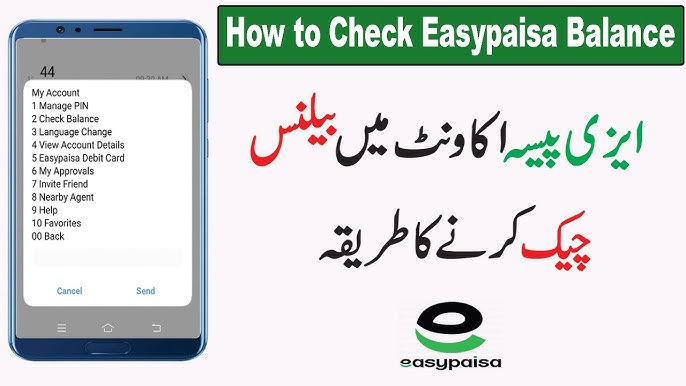
- Dial *786# from your registered mobile number.
- Press the call button.
- A menu will appear on your screen.
- Select the option for "My Account" or "Balance Inquiry."
- Enter your 5-digit PIN.
- Your balance will appear on the screen instantly.
It's like sending a silent message to the system — and boom, your balance pops up.
Important Charges for USSD Balance Check
Usually, there's a small fee per inquiry. Charges may vary depending on network and policy updates. It's minimal, but good to know.
Method 2 – Check Easypaisa Balance via SMS
How SMS Balance Inquiry Works
In some cases, Easypaisa may allow balance inquiry via SMS alerts. If you have transaction alerts activated, your remaining balance appears after each transaction.
Step-by-Step SMS Method
- Open your messaging app.
- Send a balance inquiry request (if supported).
- Receive an automated reply with your account details.
Note: This method depends on your account type and mobile network.
Method 3 – Call Easypaisa Helpline
Easypaisa Customer Care Number
You can contact Easypaisa customer support directly by calling:
(from your registered mobile number)
Steps to Talk to Customer Support
- Dial 3737.
- Follow the voice instructions.
- Select account information.
- Speak to a representative if needed.
- Verify your identity.
- Ask for your balance.
Easy.
Information Required for Verification
To confirm your identity, they may ask for:
- Your CNIC number
- Your registered mobile number
- Basic account details
Keep these handy before calling.
Method 4 – Visit an Easypaisa Retailer

How Retailers Help Check Balance
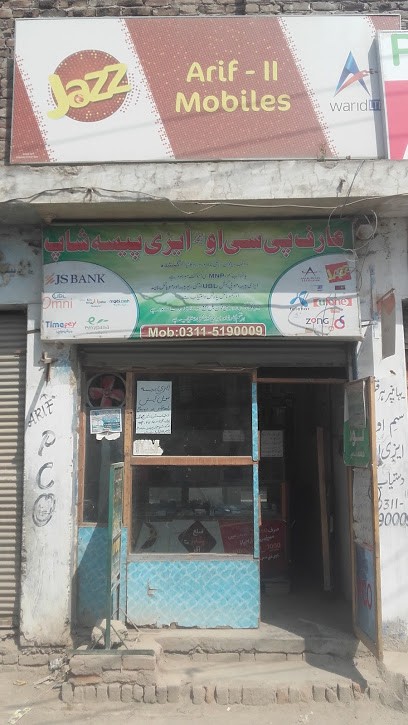
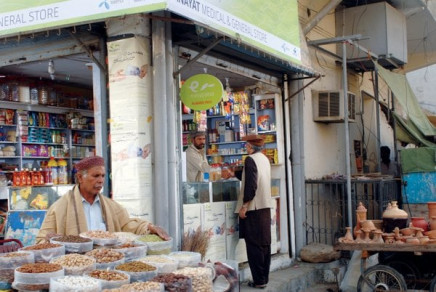
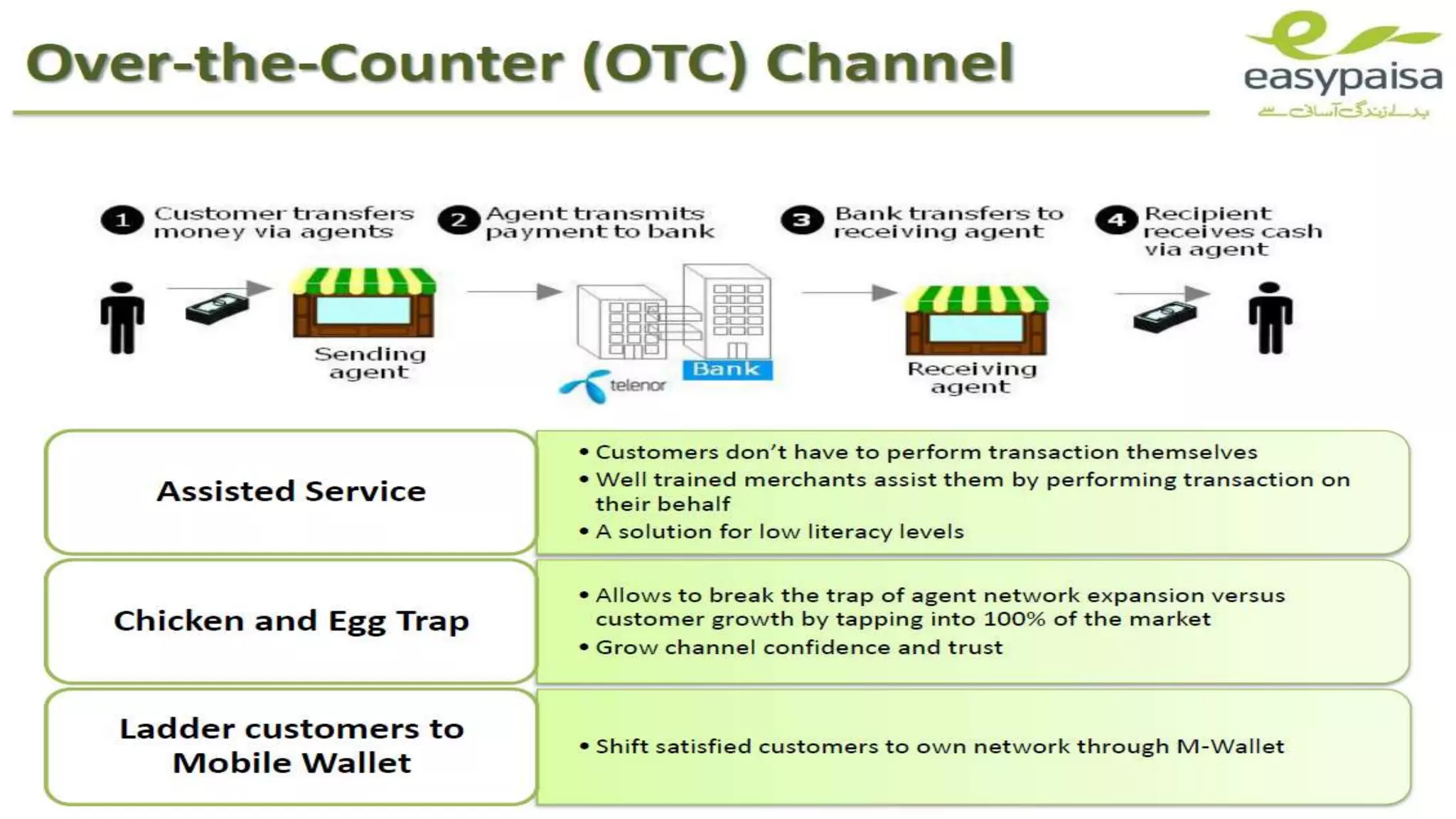
Easypaisa has thousands of retailers across Pakistan. Visit a nearby shop, provide your number, and request a balance inquiry.
They can check it through their system.
What to Bring Along
- Your registered SIM
- Your original CNIC (in some cases)
Some retailers may require biometric verification.
Tips for Secure Balance Checking
Keep Your PIN Private
Never share your Easypaisa PIN. Not with friends. Not with shopkeepers. Not with anyone.
Your PIN is like your house key.
Avoid Public Phone Sharing
Using someone else's phone? Be cautious. Always log out properly from USSD menus.
Enable SMS Alerts
Transaction alerts help you track balance without checking manually.
Common Problems and Solutions
USSD Code Not Working
If *786# isn't working:
- Make sure you're dialing from the registered SIM.
- Check network signals.
- Restart your phone.
SIM Not Registered
If your number isn't linked to Easypaisa, you must register first.
Incorrect PIN Issues
Forgot your PIN? Call 3737 and request a reset.
Easypaisa Account Types and Balance Checking
| Account Type | Best Checking Method |
|---|---|
| Mobile Account Users | USSD (*786#) and Helpline (3737) |
| CNIC-Based Accounts | Visiting a retailer |
Benefits of Checking Balance Regularly
Avoid Transaction Failures
Ever tried sending money and got a "Low Balance" error? Annoying, right? Regular balance checks prevent that.
Better Financial Management
Think of your balance like your fuel gauge. You wouldn't drive without checking fuel — so why ignore your wallet?
Conclusion
Checking your Easypaisa balance without the app is easier than most people think. Whether you use the USSD code *786#, call 3737, send SMS, or visit a retailer — you've got options.
No smartphone? No internet? No problem.
Now you know exactly how to stay updated on your balance anytime, anywhere.
Frequently Asked Questions (FAQs)
1. Can I check Easypaisa balance without internet?
Yes. Dial *786# or call 3737. No internet required.
2. Is there a fee for balance inquiry?
Usually, a small USSD charge may apply.
3. What if I forget my Easypaisa PIN?
Call 3737 and request a PIN reset.
4. Can I check balance from another phone?
Only if the SIM is inserted and registered.
5. How long does it take to check balance using USSD?
Less than 30 seconds.