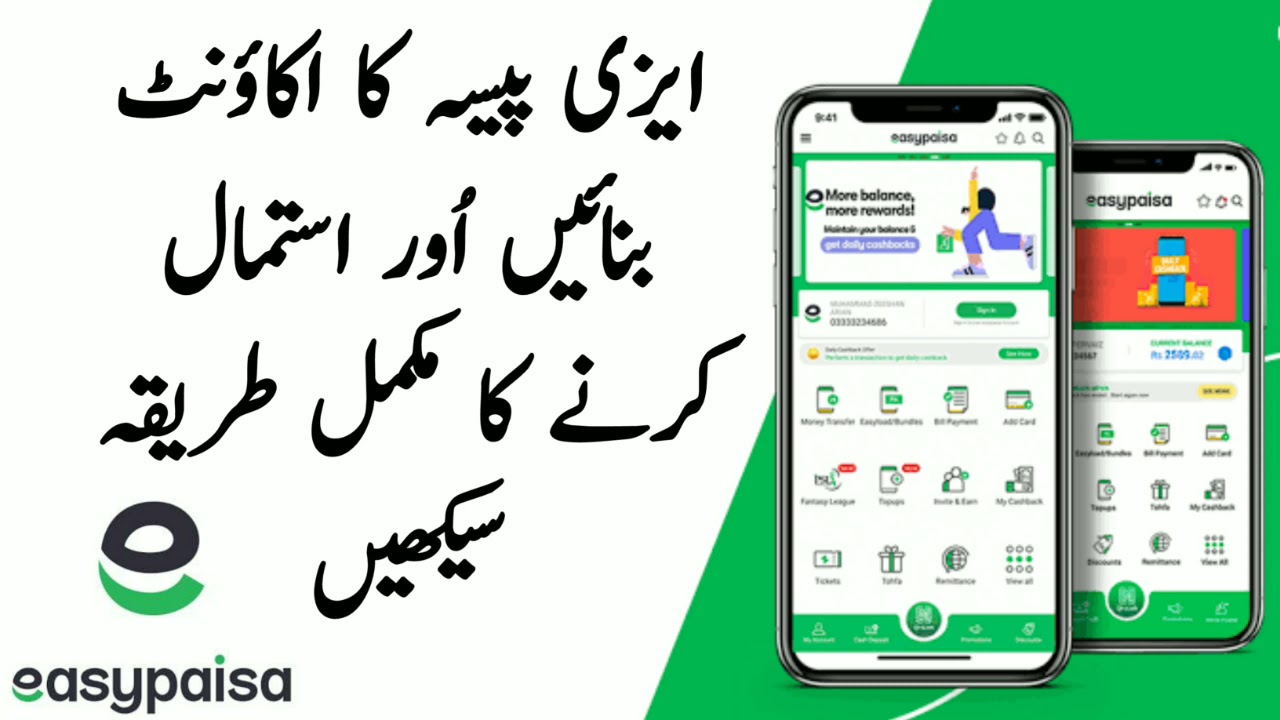
Creating an Easypaisa account is like opening a digital wallet in your pocket. No bank visits. No long forms. Just a few taps, and you're ready to send money, pay bills, and manage daily finances.
Let's break it all down—slowly, clearly, and step by step.
Introduction to Easypaisa
What is Easypaisa?
Easypaisa is a mobile financial service that allows users in Pakistan to send and receive money, pay bills, buy mobile balance, shop online, and much more—without needing a traditional bank account.
Think of it as banking without the bank building.
Why Easypaisa Is Popular in Pakistan
Easypaisa became popular because it works for everyone—students, shopkeepers, freelancers, and even people without smartphones. It's fast, widely accepted, and easy to use.
Types of Easypaisa Accounts
Easypaisa Mobile Account
This is the most common account, created using:
- Mobile app
- Mobile number
- CNIC
It gives you full access to Easypaisa features.
Easypaisa CNIC-Based Account
This account allows:
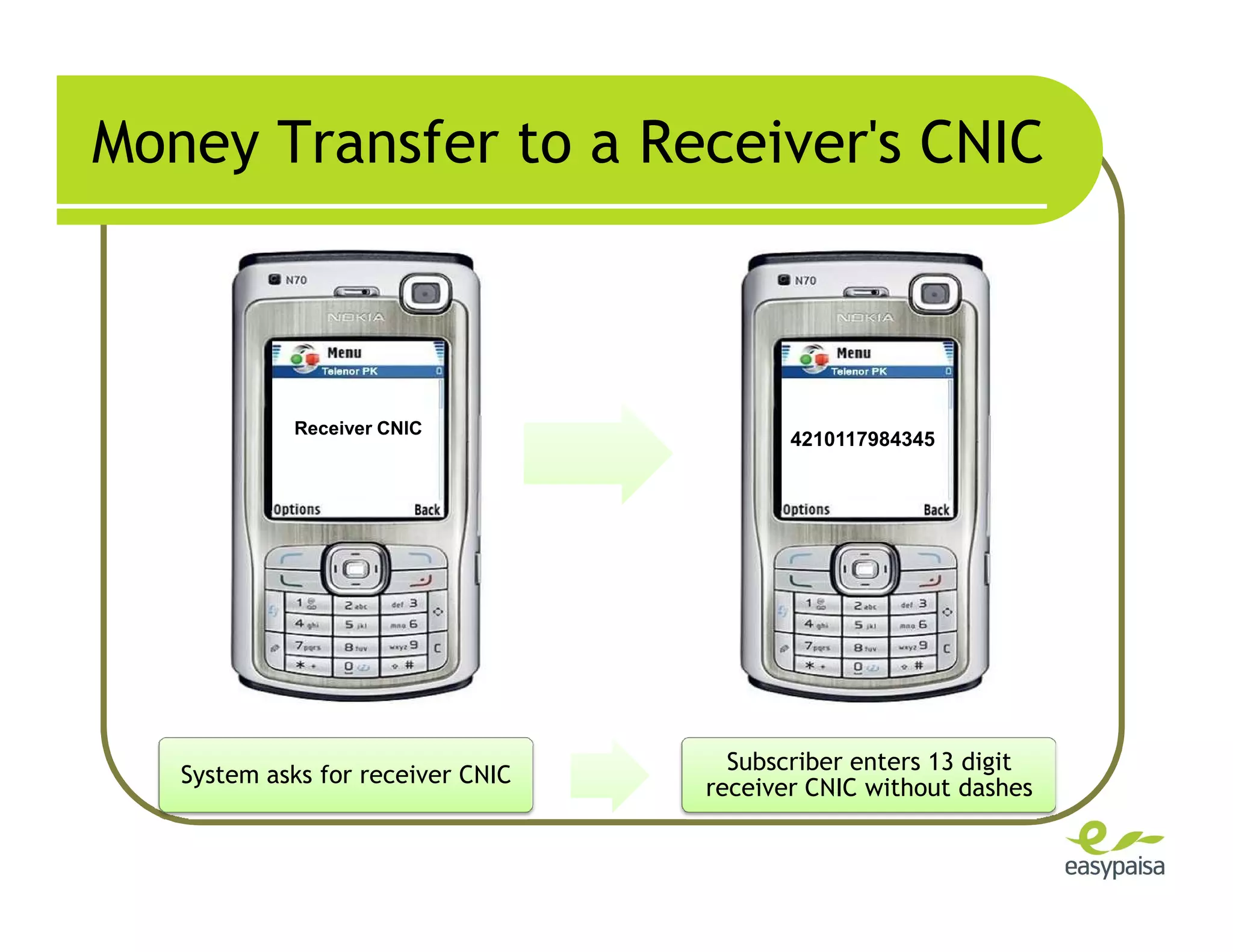
- Sending/receiving money using CNIC
- No smartphone required
But features are limited.
Difference Between Verified and Unverified Accounts
| Feature | Unverified | Verified |
|---|---|---|
| Monthly Limit | Low | High |
| Online Payments | ❌ | ✅ |
| QR Payments | ❌ | ✅ |
| Full Access | ❌ | ✅ |
Requirements to Create Easypaisa Account
What You Need:
- Android or iPhone smartphone
- Stable internet connection
- Pakistani SIM (any network)
- Valid CNIC registered on your name
How to Create Easypaisa Account Using Mobile App
1 Download the Easypaisa App
- Open Google Play Store or Apple App Store
- Search Easypaisa
- Install the official app
2 Register with Mobile Number
- Open the app
- Enter your mobile number
- Receive and enter OTP
3 Set Up Your PIN Securely
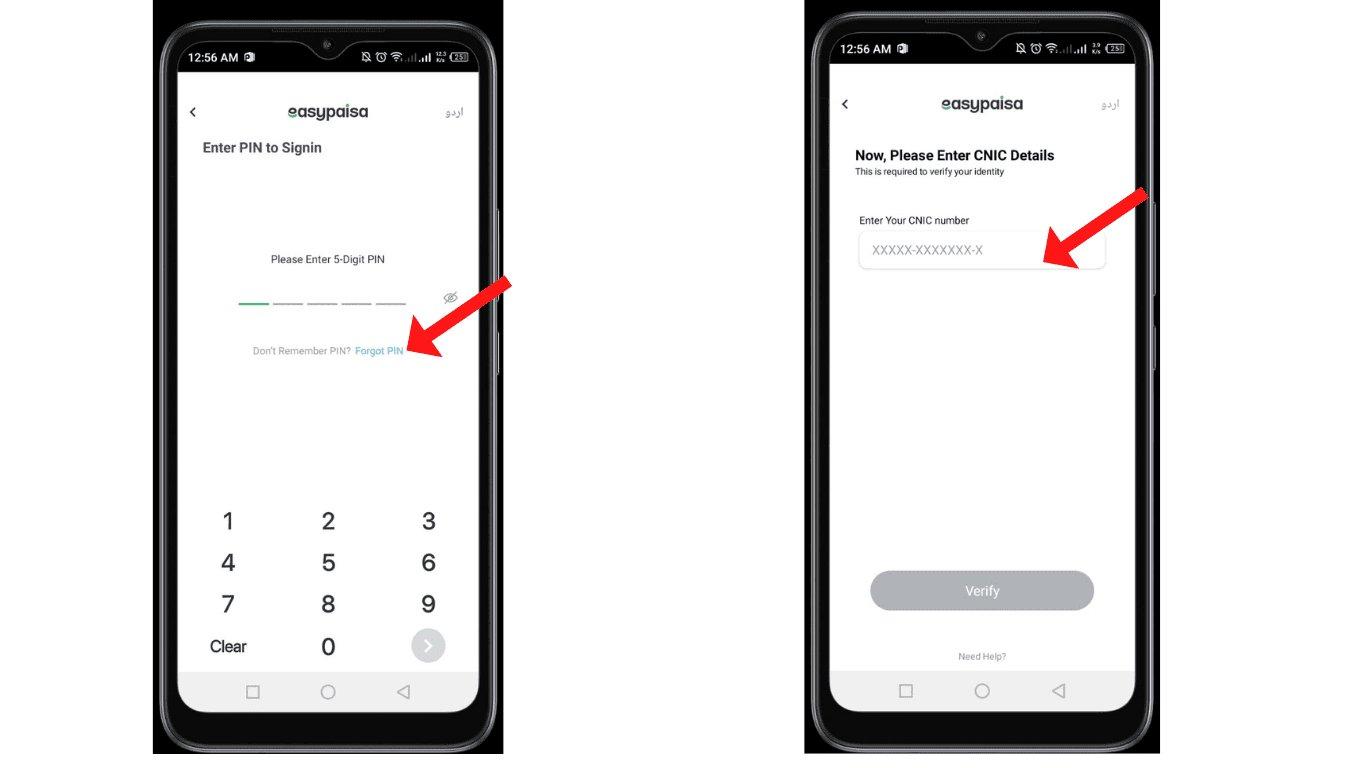
- Create a 5-digit PIN
- Do not share it with anyone
🎉 Your Easypaisa account is now created!
How to Create Easypaisa Account Without App
Create Account via USSD Code
Follow on-screen instructions to create a basic account.
Limitations of USSD Account
- Low transaction limits
- No online payments
- No QR code usage
Easypaisa Account Verification Process
Why Verification Is Important
Verification increases your transaction limits and unlocks full features.
How to Verify Easypaisa Account
- Open app
- Go to Profile → Account Verification
- Enter CNIC
- Complete biometric verification
Biometric Verification Methods
- Through Easypaisa agent
- Through supported bank branches
Features Available After Account Creation
Money Transfer
Send money instantly to:
- Easypaisa users
- CNIC holders
- Bank accounts
Bill Payments & Mobile Load
Pay electricity, gas, water bills, and recharge mobile balance in seconds.
Online Payments & QR Scan
Shop online or scan QR codes at stores.
Easypaisa Account Limits
Unverified Account Limits
- Lower monthly limits
- Limited features
Verified Account Limits
- Higher transaction limits
- Full access
Common Problems During Account Creation
OTP Not Received
- Check network
- Retry after 1 minute
- Ensure SIM is active
CNIC Already Registered
Your CNIC can only be linked to one account.
App Not Working Issues
- Update app
- Clear cache
- Restart phone
Security Tips for Easypaisa Account
⚠️ Important Security Tips
- Never share your PIN or OTP
- Easypaisa never asks for passwords via call or SMS
- Call Easypaisa helpline immediately if phone is lost
Easypaisa Account for Business Users
Merchant Account Overview
Shop owners can accept payments digitally.
Benefits for Shop Owners
- QR payments
- Faster transactions
- Better record keeping
Easypaisa vs Other Mobile Wallets
Comparison with JazzCash
Easypaisa is simpler for beginners, while JazzCash offers bank integrations.
Which Is Better for Beginners
Easypaisa wins for ease of use.
Can One Person Have Multiple Easypaisa Accounts?
Rules & Restrictions
No. One CNIC = one Easypaisa account.
🎯 Final Verdict
Is Easypaisa Worth Creating in 2026?
Absolutely. It's fast, secure, and widely accepted across Pakistan. Creating an Easypaisa account is one of the easiest ways to step into digital finance. Follow the steps above, verify your account, and enjoy stress-free transactions anytime, anywhere.
❓ Frequently Asked Questions (FAQs)
1. Is Easypaisa account free to create?
Yes, creating an Easypaisa account is completely free.
2. Can I create Easypaisa without internet?
Yes, via *786#, but features are limited.
3. How long does verification take?
Usually a few minutes after biometric verification.
4. Can I change my Easypaisa mobile number?
Yes, by contacting Easypaisa support.
5. Is Easypaisa safe to use?
Yes, if you keep your PIN and OTP private.