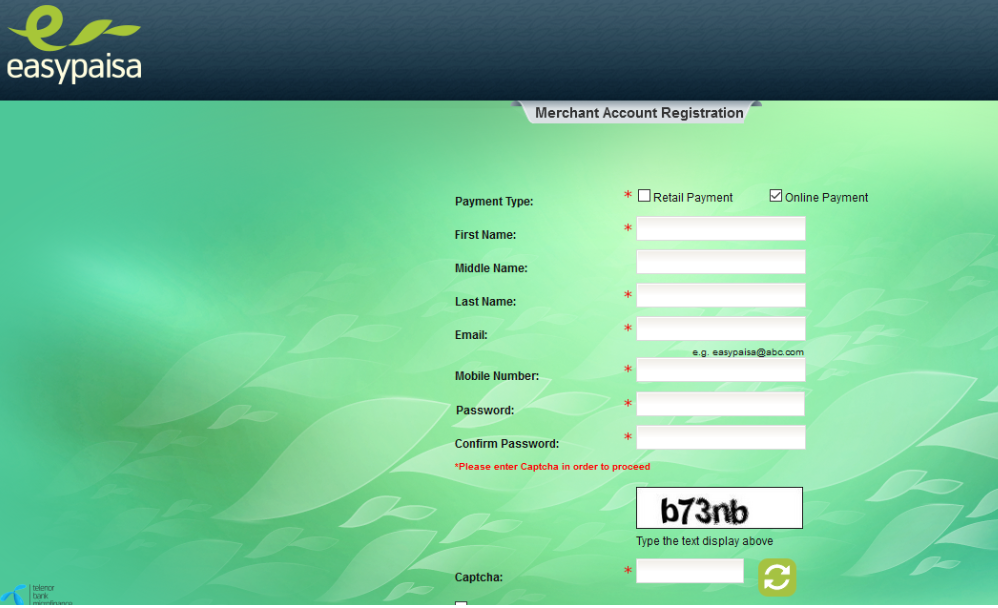
Many users ask the same question: Can I install Easypaisa on Windows?
The short answer is yes—but not directly.
Since Easypaisa is a mobile app designed for Android and iOS, it doesn't have an official Windows version. However, you can safely use Easypaisa on a Windows PC or laptop with the help of an Android emulator.
Let's walk through it step by step in plain, simple English.
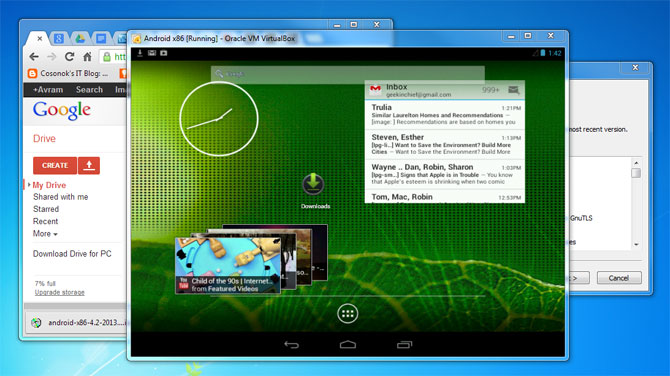
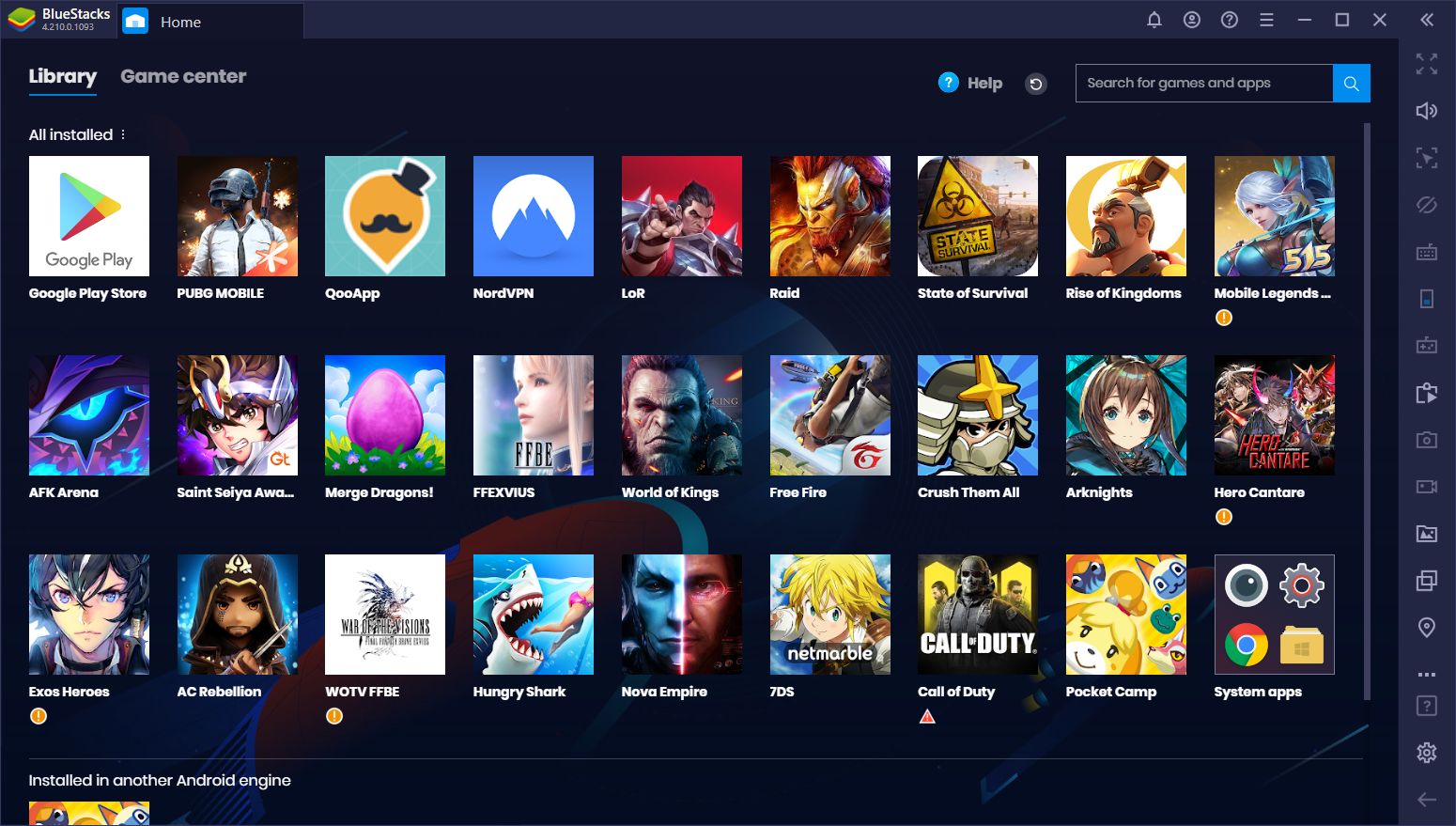
Method 1: Install Easypaisa on Windows Using an Android Emulator (Recommended)
An Android emulator lets your Windows computer behave like an Android phone.
📋 What You Need
- A Windows 10 or Windows 11 PC
- Stable internet connection
- Google account
- Android emulator (BlueStacks or LDPlayer)
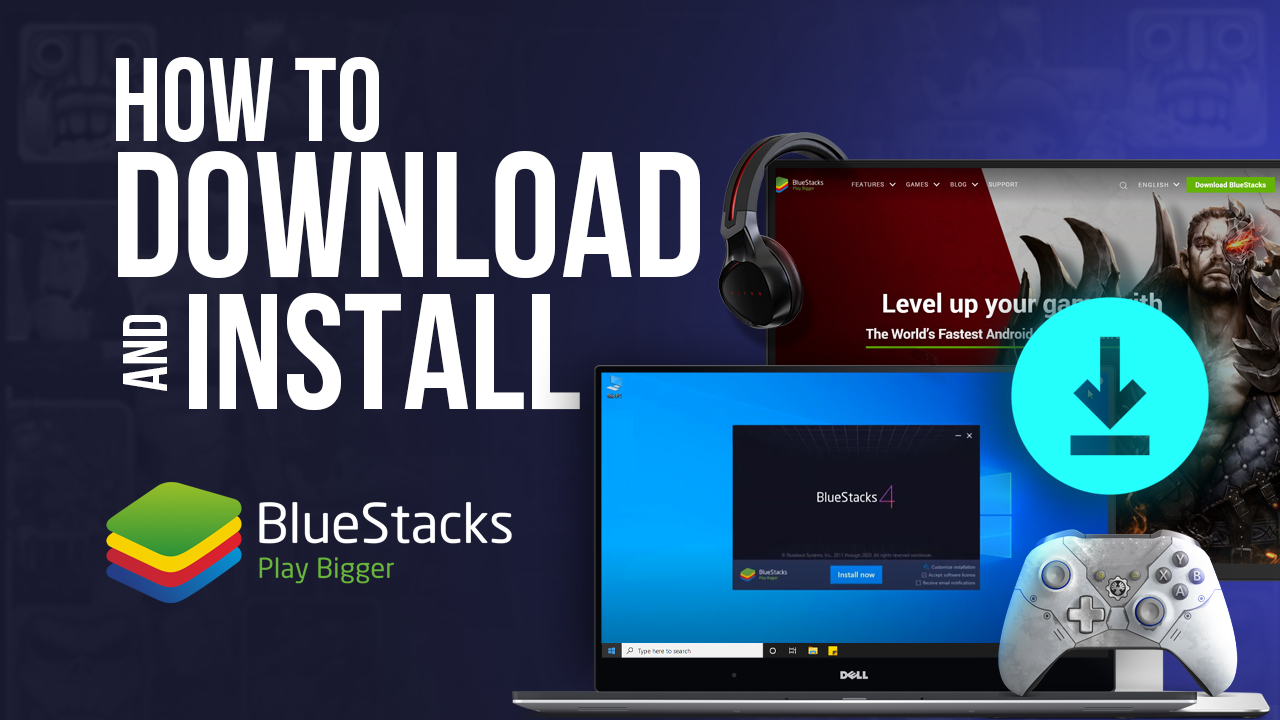
Step 1: Download an Android Emulator
Choose one of the following trusted emulators:
⚠️ Important
Download only from the official website of the emulator.
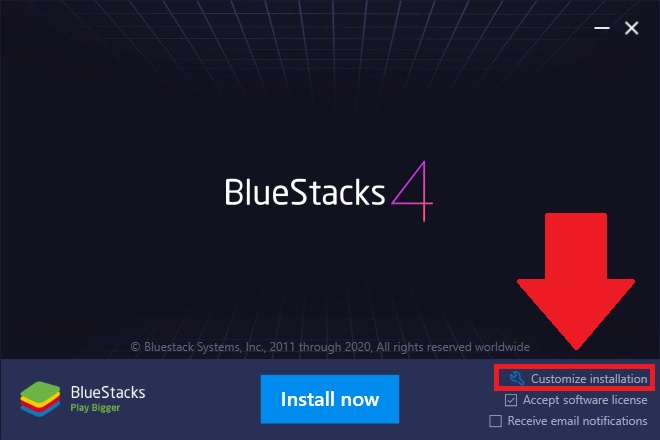
2 Install the Emulator on Windows
- Open the downloaded setup file
- Click Install
- Wait for installation to finish
- Launch the emulator
(First launch may take a few minutes—be patient)
3 Sign In to Google Play Store
- Open Google Play Store inside the emulator
- Sign in with your Google account
This works exactly like an Android phone.
4 Install Easypaisa App
- Search for Easypaisa
- Click Install
- Wait for download to complete
🎉 That's it—the app is now installed on your Windows system!
5 Log In to Easypaisa
- Open Easypaisa from the emulator home screen
- Enter your mobile number
- Verify OTP
- Enter your PIN
You can now:
- Send money
- Pay bills
- Do mobile top-ups
- Check balance
All from your PC.
Method 2: Use Easypaisa via Mobile (Official & Safest Way)
⚠️ Important
Easypaisa works best and safest on mobile phones.
If you're facing issues on Windows:
- Use Easypaisa on your Android phone
- Or use Easypaisa Lite (lighter, smoother)
There is no official Easypaisa web version for full account access.
Common Issues & Fixes
1. Easypaisa Not Opening in Emulator
- Update emulator
- Change emulator to Android 9 or higher
- Enable virtualization in BIOS
2. OTP Not Received
- Emulator must have internet access
- Try again after 1–2 minutes
- Make sure your SIM is active
3. App Crashes
- Allocate more RAM to emulator
- Close background programs
- Use LDPlayer if PC is low-end
Is It Safe to Use Easypaisa on Windows?
✔️ Relatively safe, if:
- Emulator is downloaded from official website
- Your PC is malware-free
- You don't share OTP or PIN
❌ Not recommended for large transactions
For maximum security, mobile phones are still the best option.
Who Should Use Easypaisa on Windows?
- Shop owners managing payments
- Users with broken phones
- People who prefer PC screens
- Light usage (bill payments, balance checks)
Quick Summary
| Aspect | Details |
|---|---|
| Official Windows App | ❌ No |
| Works via Emulator | ✅ Yes |
| Recommended Emulator | BlueStacks, LDPlayer |
| Security | Safe for light use |
| Best For | Bill payments, balance checks |
⚠️ Important Note
Avoid using Easypaisa on public or shared PCs.
❓ Frequently Asked Questions (FAQs)
1. Can I install Easypaisa directly on Windows?
No. Easypaisa has no official Windows version.
2. Which emulator is best for Easypaisa?
BlueStacks for stability, LDPlayer for speed on low-end PCs.
3. Is Easypaisa allowed on emulators?
Yes, but some features may be limited.
4. Can I receive OTP on emulator?
Yes, OTP comes to your mobile number, not the emulator.
5. Is Easypaisa on Windows safe for banking?
Safe for light use; mobile is safer for heavy transactions.
🎯 Final Verdict
While there's no official Easypaisa Windows app, using an Android emulator is a perfectly good workaround for light tasks like bill payments and balance checks. For heavy transactions, stick to your mobile phone for maximum security.
Download Android Emulator