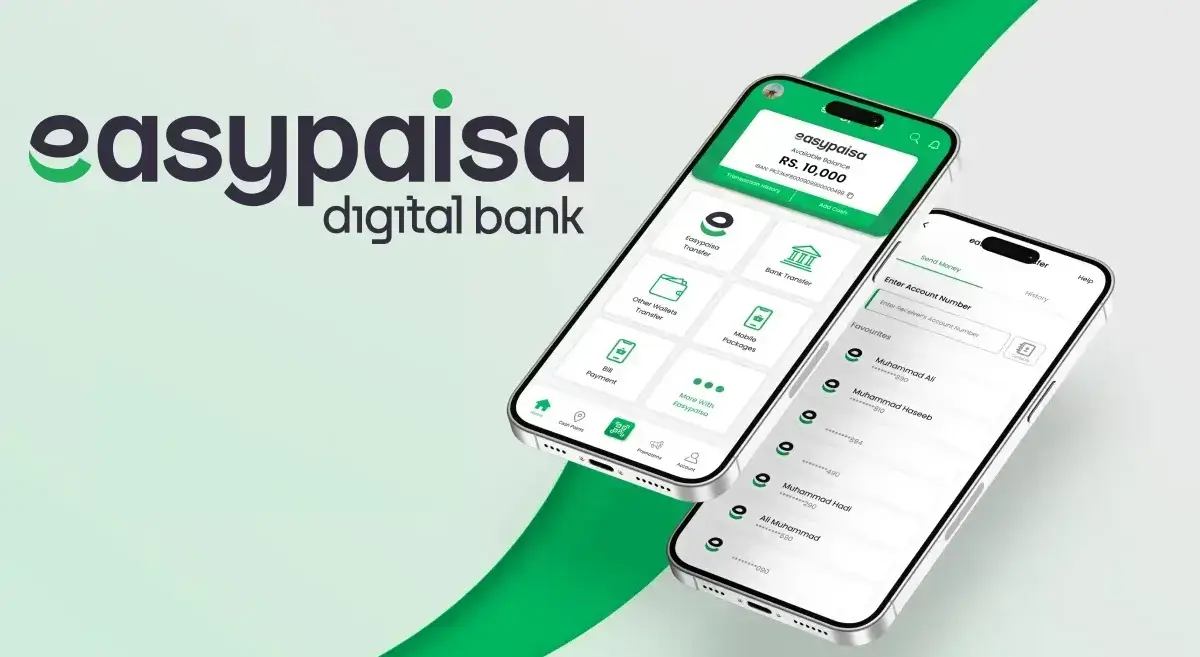
Installing Easypaisa on your mobile phone is simple and takes only a few minutes. Whether you're using an Android or an iPhone, this guide walks you through every step in clear, easy English.
Let's get started 👇
Before You Start (Requirements)
Make sure you have:
- A smartphone (Android or iPhone)
- Stable internet connection (Wi-Fi or mobile data)
- Active Pakistani mobile number
- Enough storage space
- Your CNIC (for full account verification)



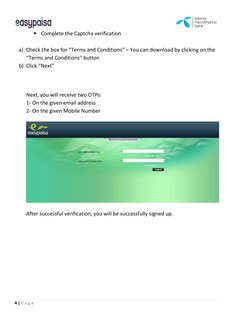
Method 1: Install Easypaisa on Android (Recommended)
1 Open Google Play Store
- Unlock your phone
- Tap on the Play Store app
2 Search for Easypaisa
- Type "Easypaisa" in the search bar
- Look for the official app
✔️ Developer name should be Easypaisa / Telenor Microfinance Bank
3 Install the App
- Tap Install
- Wait for the download to complete
This usually takes less than a minute on a good connection.
4 Open Easypaisa App
- Tap Open after installation
- Or open it from your app drawer
5 Register or Log In
- Enter your mobile number
- You'll receive an OTP (One-Time Password)
- Enter the OTP to verify
6 Create Your Easypaisa PIN
- Set a 5-digit PIN
- Don't share this PIN with anyone
🎉 Your Easypaisa account is now active!
Method 2: Install Easypaisa on iPhone (iOS)
1 Open App Store
- Unlock your iPhone
- Tap App Store
2 Search for Easypaisa
- Type "Easypaisa"
- Select the official app
3 Download & Install
- Tap Get
- Verify with Face ID / Touch ID / Apple ID password
4 Open & Set Up Account
- Open the app
- Enter your mobile number
- Verify OTP
- Set your PIN
That's it—you're ready to use Easypaisa on iPhone.
Verify Your Easypaisa Account (Highly Recommended)
Verification unlocks higher limits and more features.
How to Verify
- Open Easypaisa app
- Go to Profile → Account Verification
- Enter your CNIC number
- Complete biometric verification (if required)
What You Can Do After Installing Easypaisa
Once installed, you can:
- Send & receive money
- Pay electricity, gas, and internet bills
- Buy mobile balance & internet packages
- Shop online
- Scan & pay via QR
- Cash in & cash out via agents
Common Installation Problems & Fixes
App Not Installing
- Check storage space
- Update Google Play Services
- Restart phone
OTP Not Received
- Check network signal
- Make sure SIM is in your phone
- Try again after 1–2 minutes
App Crashing
- Update your phone software
- Reinstall the app
- Clear app cache (Android)
Safety Tips for Using Easypaisa
⚠️ Important Safety Tips
- Never share OTP or PIN
- Lock your phone with password or fingerprint
- Download app only from Play Store or App Store
- Avoid using Easypaisa on rooted or jailbroken phones
Quick Summary
| Feature | Details |
|---|---|
| Android Support | ✅ Yes (Play Store) |
| iPhone Support | ✅ Yes (App Store) |
| Free to Download | ✅ Yes |
| Setup Time | ⏱️ 2-3 minutes |
| Verification Required | ✅ CNIC for full access |
❓ Frequently Asked Questions (FAQs)
1. Is Easypaisa free to install?
Yes, downloading and installing Easypaisa is completely free.
2. Can I use Easypaisa without CNIC?
Limited features are available without CNIC verification. For full access, verification is required.
3. Does Easypaisa work on old Android phones?
Yes, but very old Android versions (below Android 6) may face compatibility issues.
4. Can I install Easypaisa on two phones?
No, one account works on one device at a time. Switching phones requires deactivation.
5. What should I do if my phone is lost?
Call Easypaisa helpline immediately to block your account and prevent unauthorized access.